
Sample games
Four playable Unity games, in course order, each one adding the next thing you need: a first tree, an interruption, a crowd of entity agents, and a graph bolted onto a finished vehicle simulation.
On this page
These are games, played with a keyboard or a pad, with graphs you can open while they run. Racing Line is the one that needs the pad. They are in teaching order. Platformer assumes nothing; Racing Line assumes you have seen the other three.
1. Platformer
Section titled “1. Platformer”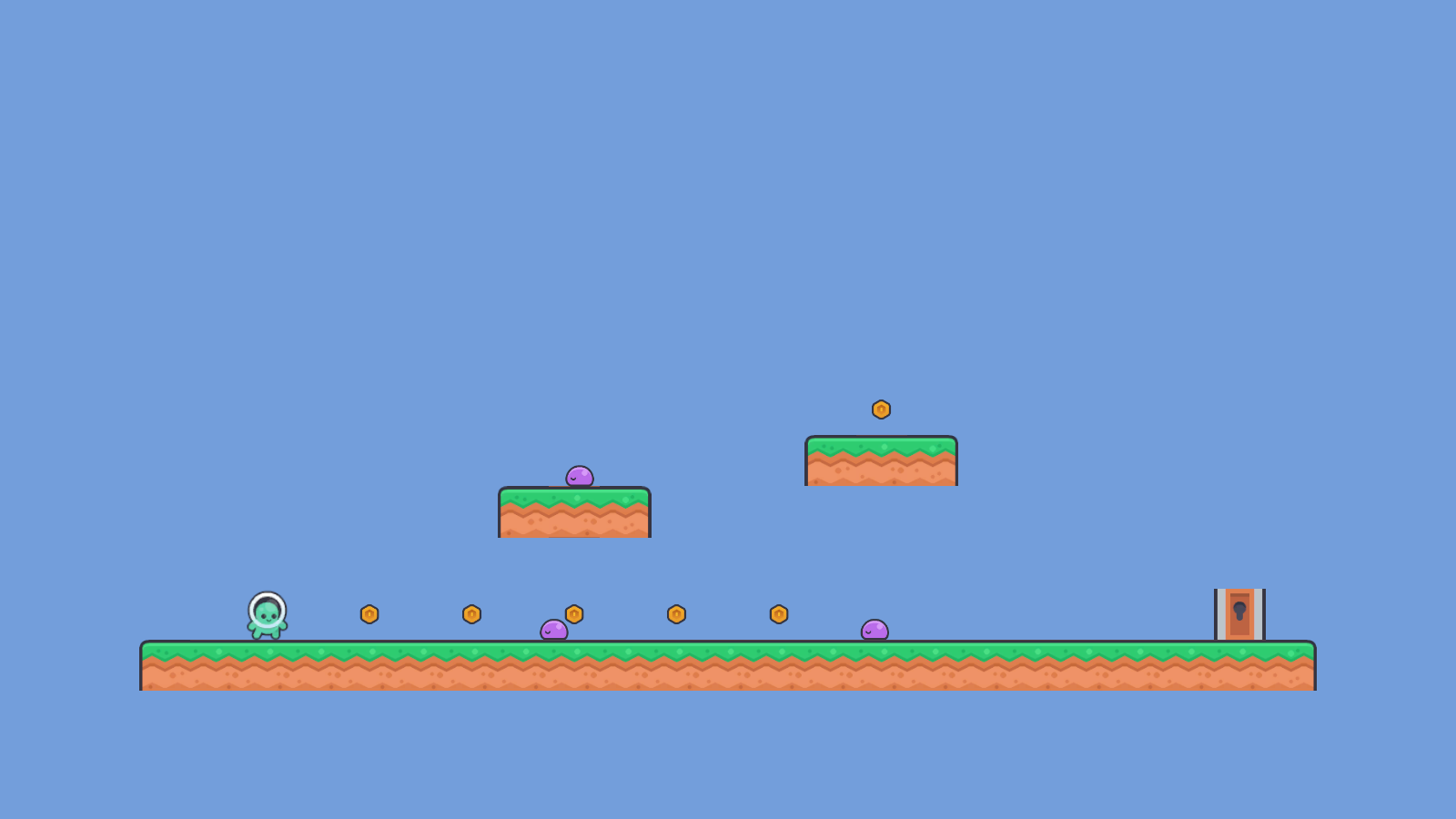
Stomp an enemy and watch its graph switch mode. One patrol tree, one defeat state machine, a list and a struct passed into your own methods, and a hand-written twin enemy beside it for comparison.
2. Dungeon Heist
Section titled “2. Dungeon Heist”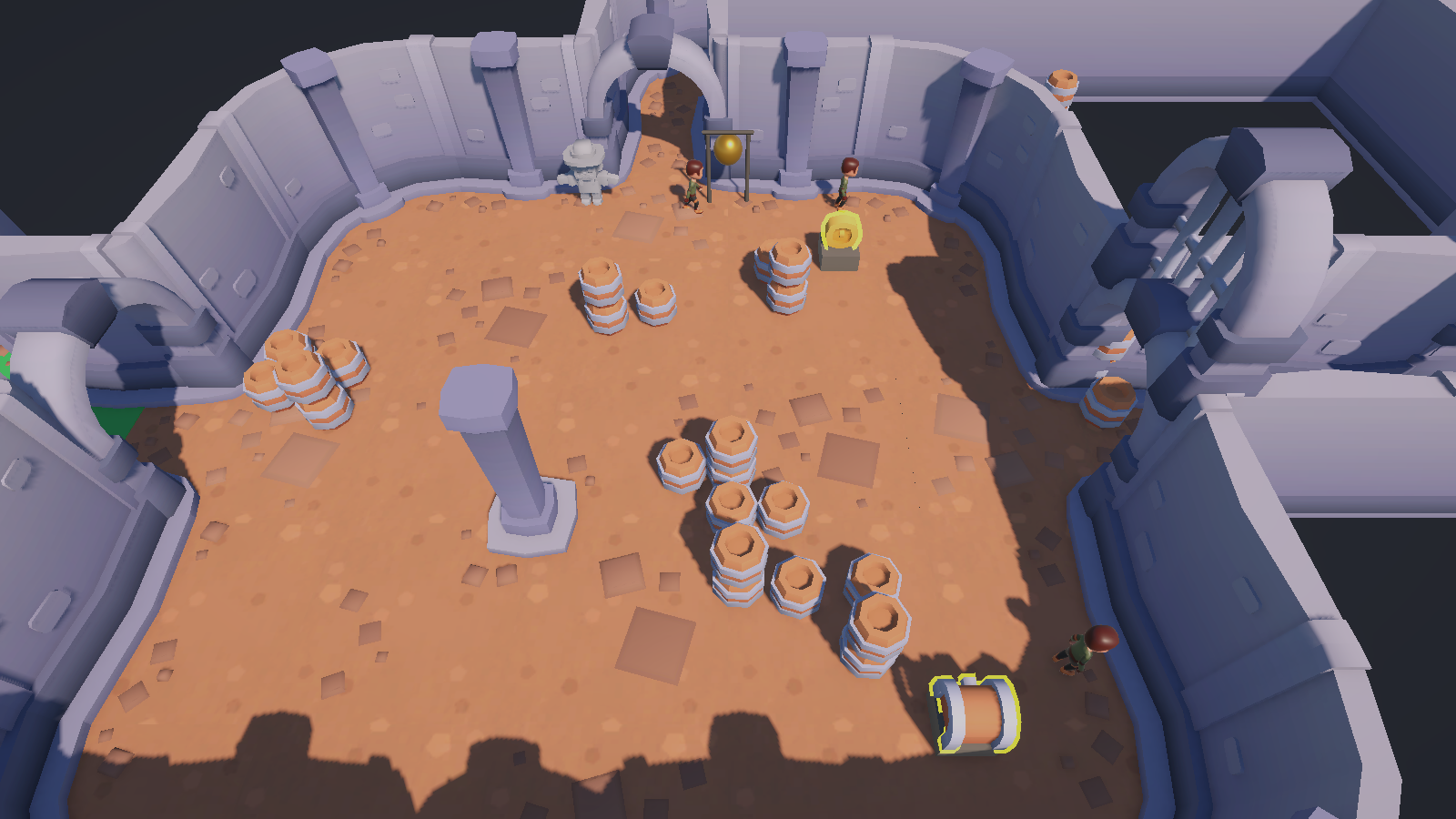
Sneak past a guard and give it something better to think about. This is where a running branch gets taken away from an agent mid-stride, and where a value you edit while the game runs reaches the guard and comes back.
3. Horde Survival
Section titled “3. Horde Survival”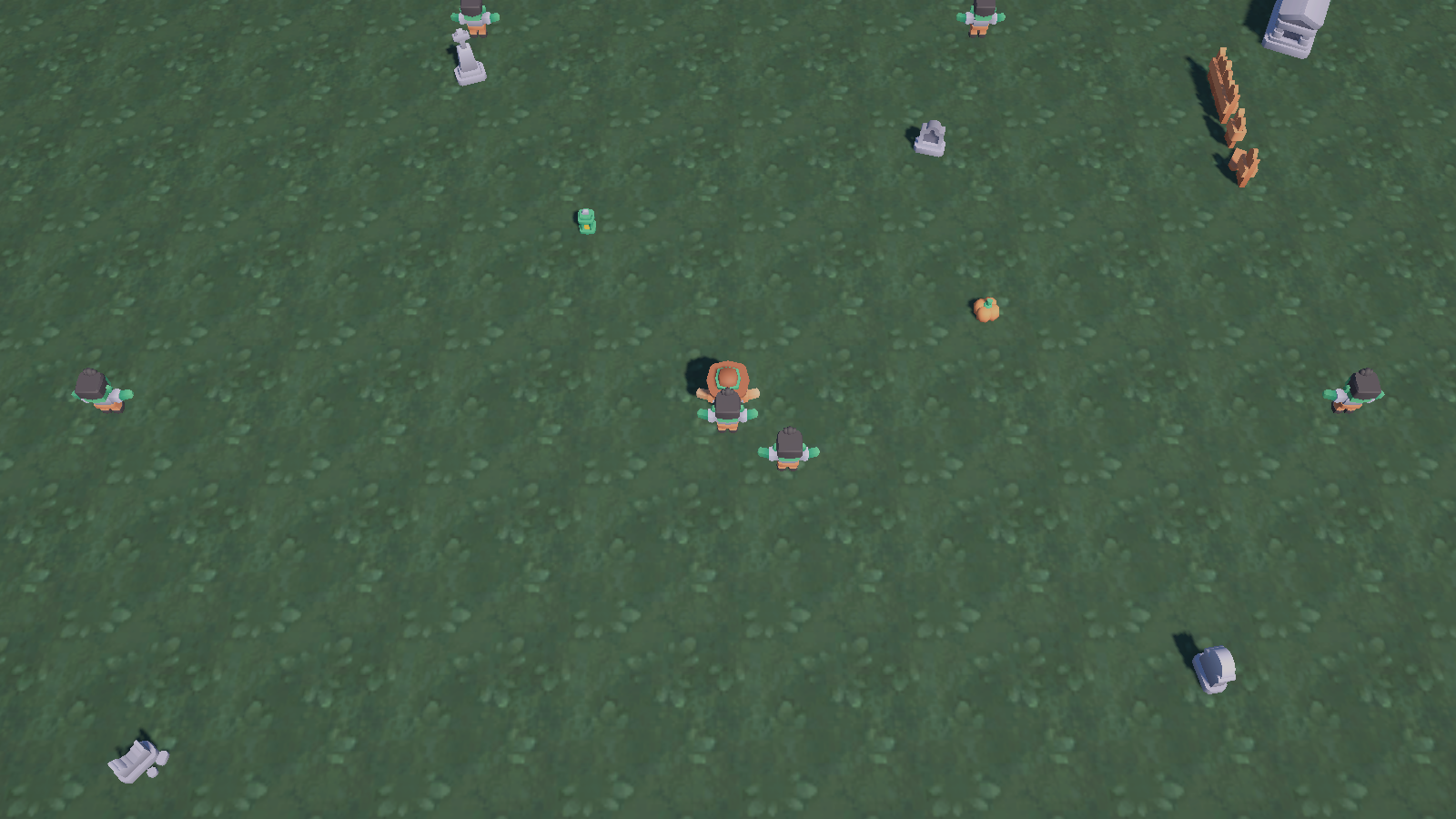
Hold off a crowd. Every enemy is an entity with its own graph instance, and one director graph above them all decides how hard the next wave leans on you.
4. Racing Line
Section titled “4. Racing Line”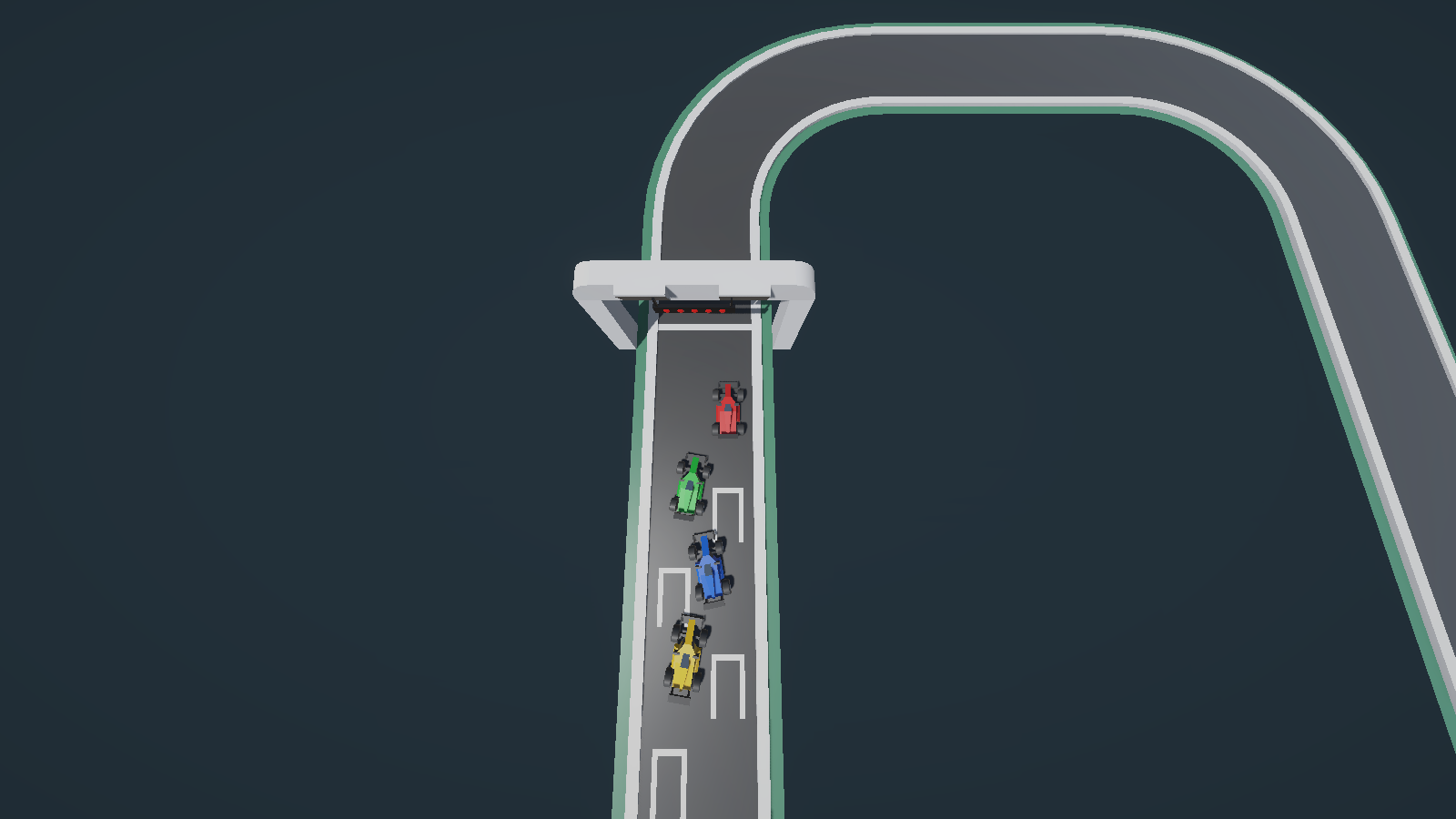
Race a CPU driver whose decisions come from a graph and whose driving comes from a vehicle simulation that existed first. Bring a gamepad for this one.
Playable, or a fixture
Section titled “Playable, or a fixture”Horde Survival ships only the two graphs its scene runs. The other three projects each hold more graph files than the playable scene runs, and the difference matters the first time you edit one and nothing happens.
- Playable graphs are the ones a scene host points at: a Behavior Agent in the three GameObject projects, and the entity runtime the composer builds in Horde Survival. Each chapter names them in its own graph-versus-game-code table, with the adapter script that hosts each one. Edit these and the game changes.
- Fixtures are graph files kept for authoring tests, for the guides, and for the clips on this site. They demonstrate one node or one binding shape at a time, and no scene object references them. Read them freely; expect no gameplay.
When a chapter says “these are not the game”, that is the list to trust over a file name that merely looks important.
Reading a chapter
Section titled “Reading a chapter”Each one opens with the game moment, then the scene path and the controls, then what the graphs decide versus what the C# does. After that it follows one real decision from data to visible action with the Live view, and hands you two or three changes with a stated expected result. Start with Platformer if you have not run any of them yet.
Looking for the project layout instead, or for the packaging host? That is the project index. The shared architecture under the three GameObject games, the authorities, the runner, and the composition root every chapter names, is How the samples are built.