Bit Quirky · Unity documentation
Give your game a plan.
Draw the decision once, watch it run in the editor while the game plays, and keep the movement, damage, and animation in your own C# components.

Three things this buys you
Decide visually
One graph holds the whole decision, so the person asking for a behavior change can read the behavior.
See the rule it followsKeep your code
Nodes call methods, properties, and events on the components you already wrote. Movement, damage, and animation stay yours.
See how binding worksSee why it happened
Attach to a running agent and the nodes color as they run, with the values each one used.
Watch a running graph
Four families of node
Every graph is built from these four jobs. Each node opens its reference entry.
Choose and order
Pick between alternatives or work through steps.
Change one child
Wrap a branch to repeat it, time it, or gate it.
Do and check
Reach into your C# to act on the game or read a fact.
Where it runs
Hold a mode, leave it on a condition, and host a tree inside it.
Authoring, start to finish
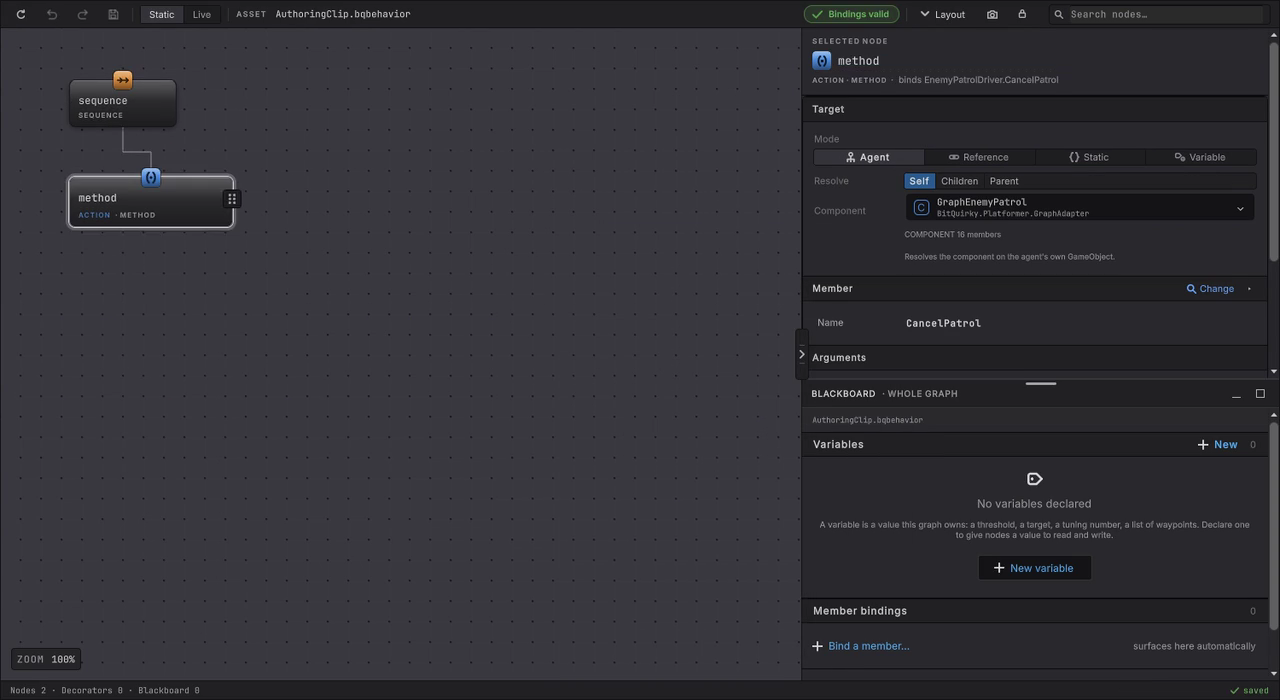
Add a Sequence, drop a Method under it, point it at one of your own components, and pick the method. The binding is checked as you go.
A tree inside a state
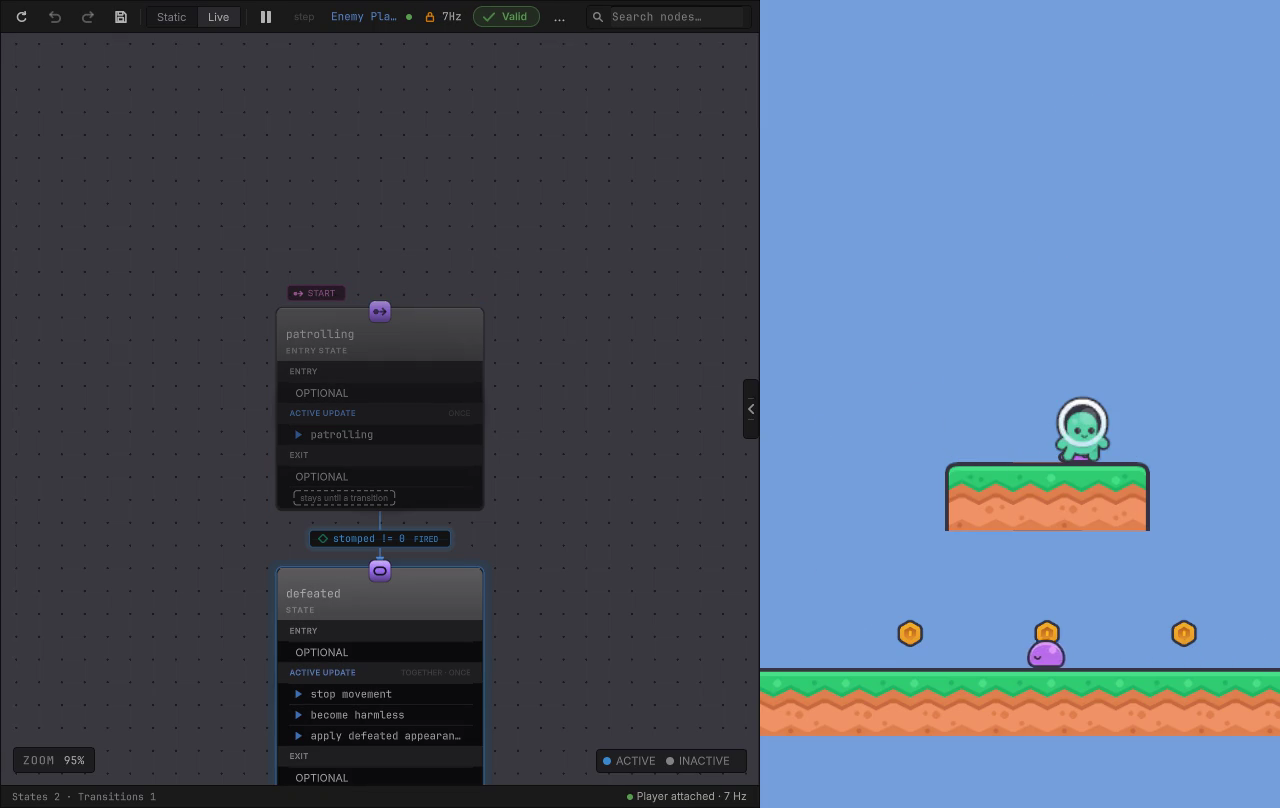
A state machine holds the mode. A behavior tree decides what to do while that mode is active. The Platformer enemy uses one of each: patrolling and defeated are modes, and the patrol itself is a small plan.
What you get
- A graph editor with a node palette, drag and drop reparenting, canvas search, and validation that points at the node.
- Behavior trees for priority, order, timing, and a weighted roll of the dice.
- State machines with transitions, Any State rules, and a behavior tree hosted inside a state.
- Bindings to six kinds of member on your own components, called through generated code.
- Blackboard variables per graph, editable while the game runs.
- GameObject agents and entity agents, with a Burst compiled tick on the entity path.
Four games to explore
The asset includes four fully working sample games, each showing a different way to use the tool. Play them to learn it, read their graphs to see how, or take one as the starting point for a game of your own.
Platformer
An enemy walks its ledge until you land on its head, then drops to Defeated.
Dungeon Heist
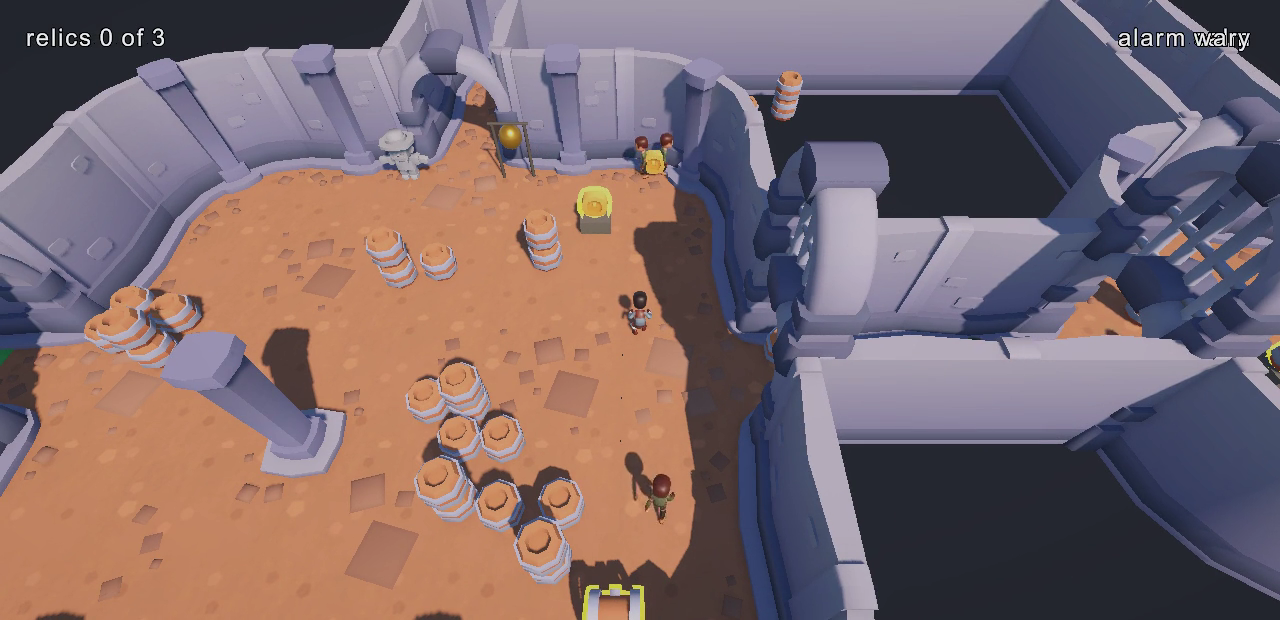
Throw a coin and the guard breaks off its route to go and look.
Horde Survival
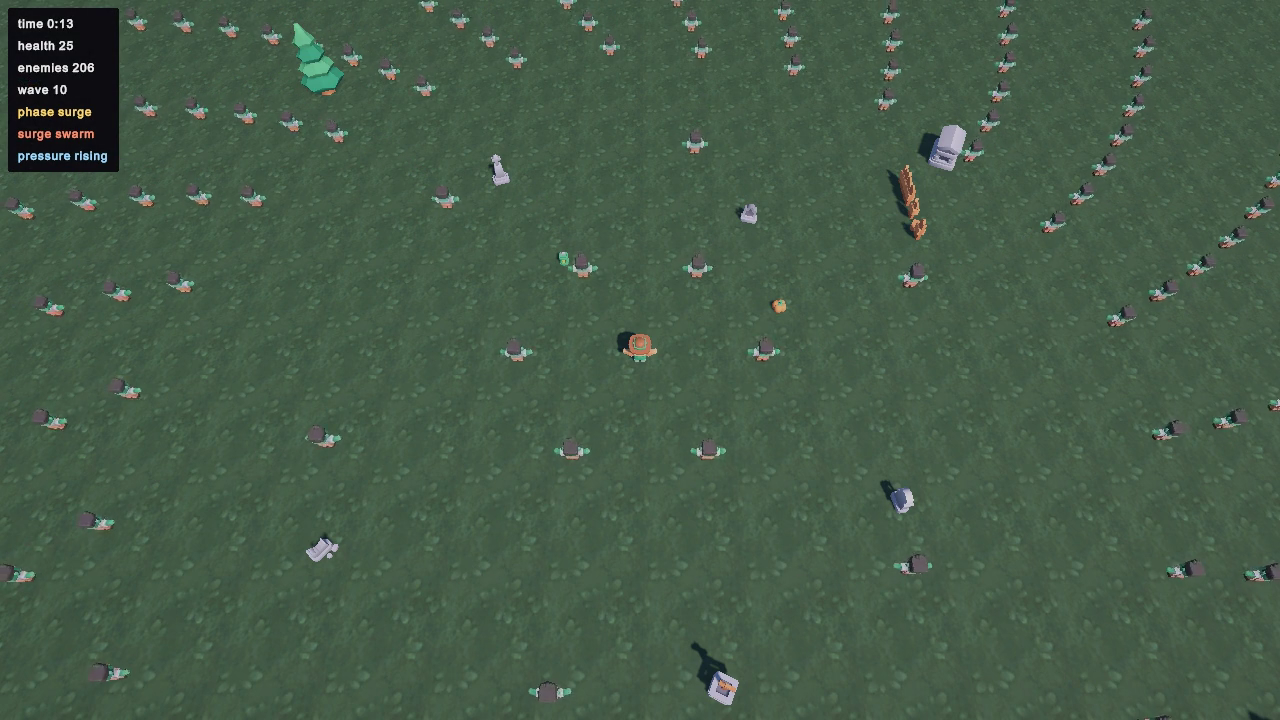
A director picks the next wave while entity agents tick in jobs.
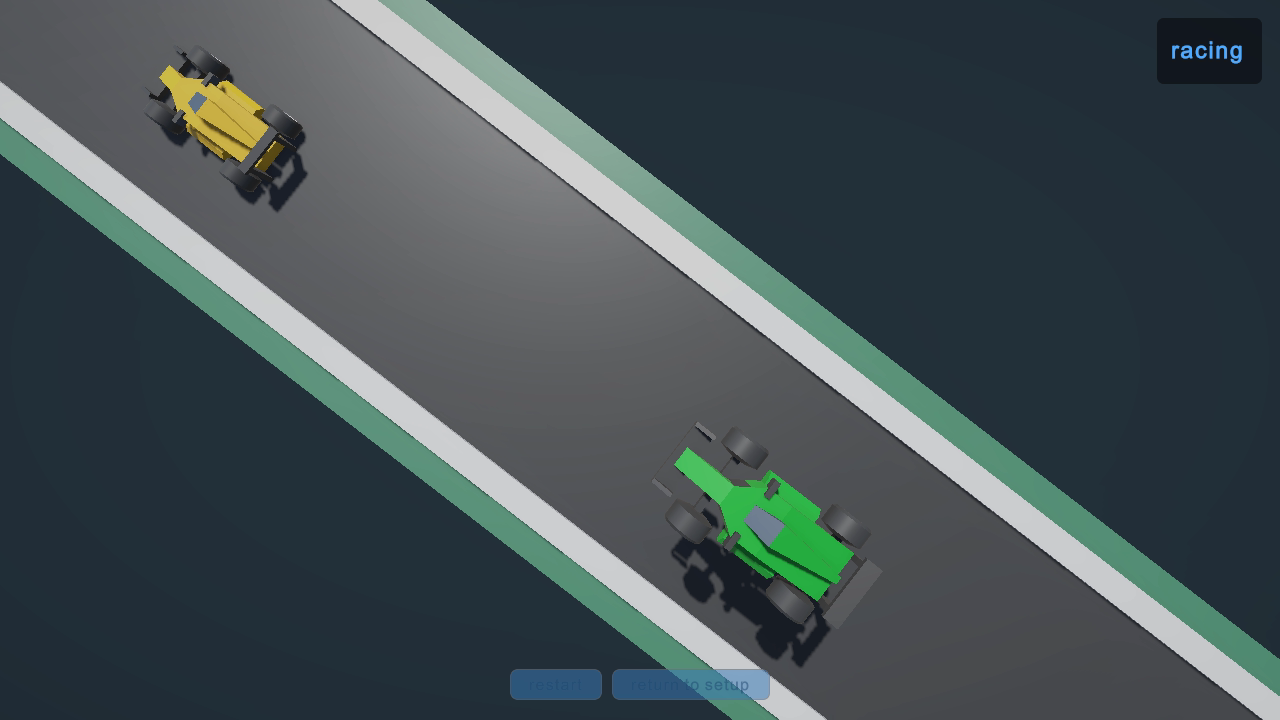
Racing Line
A CPU driver recovers from a spin and hunts the car ahead.
Ready to open the editor?
Install the package, create a graph, and get an object in your own scene moving in one sitting.