
Condition and event
Turn a member value into a yes or no gate, or wait for your game to say the thing happened.
On this page
Two condition kinds, two jobs. A member condition asks your code a question now. An event condition waits until your code answers.
The problem
Section titled “The problem”The Platformer beacon has a wind up. The graph has to know two things about it: whether the beacon is ready to start, and when the wind up has finished. The first is a value it can read. The second only your component knows, and only when it happens.
Give the graph its own timer for the second one and you have two clocks that will eventually disagree about when a wind up ended. BeaconWarmUp.bqbehavior reads IsReady for the gate and waits for the WarmUpFinished event for the finish, so the beacon stays the only thing that knows how long a wind up takes.
When to reach for each
Section titled “When to reach for each”- member condition when a value already answers the question:
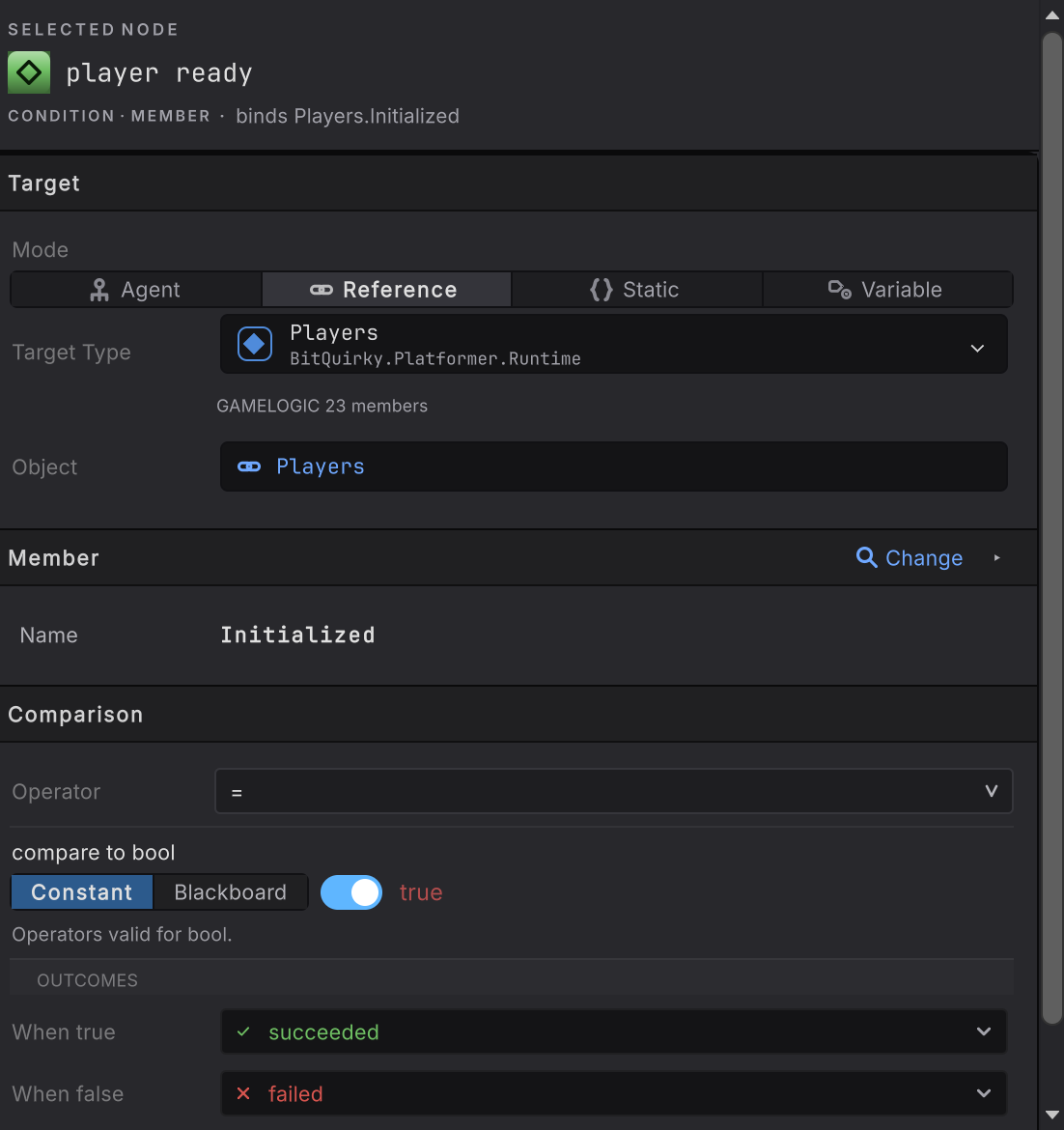
Players.Initializedistrue, stamina is above zero, the guard has a destination. - event condition when the graph has to wait for a moment your game raises: a wind up finished, a door finished opening, an animation event landed.
A member condition can also poll. Map its false outcome to running and it re-reads the member on the next evaluation, which is a wait-until without a subscription.
See it
Section titled “See it”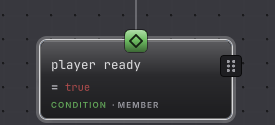
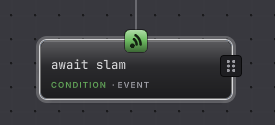
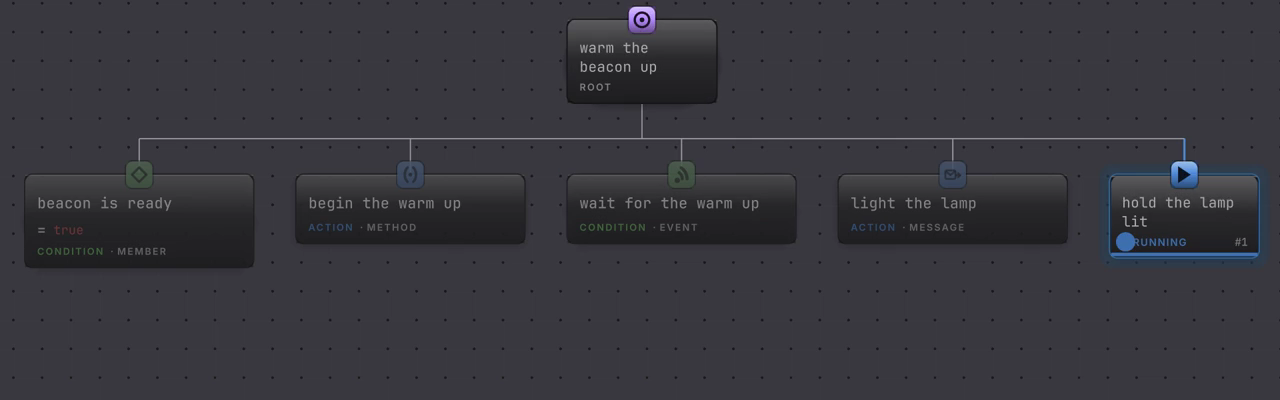
BeaconWarmUpLive.bqbehavior is the same five member nodes with one awaited action after them, so the cursor parks somewhere readable. Watch wait for the warm up hold its blue RUNNING pill for the whole one and a half second wind up, then the event arrives once and the cursor moves on to the message. The event card’s own SUCCESS lasts a single frame, because the message runs on that same tick, and only the active card carries a pill.
-
Add member condition or event condition from the picker, under CONDITIONS.
-
Finish Target and pick the member.
-
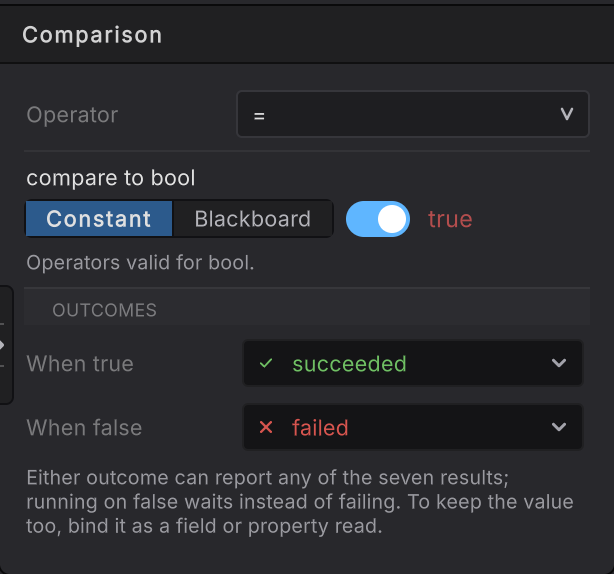
For a member condition, open Comparison. Choose the Operator, then Constant or Blackboard for the compared value, then When true and When false.
-
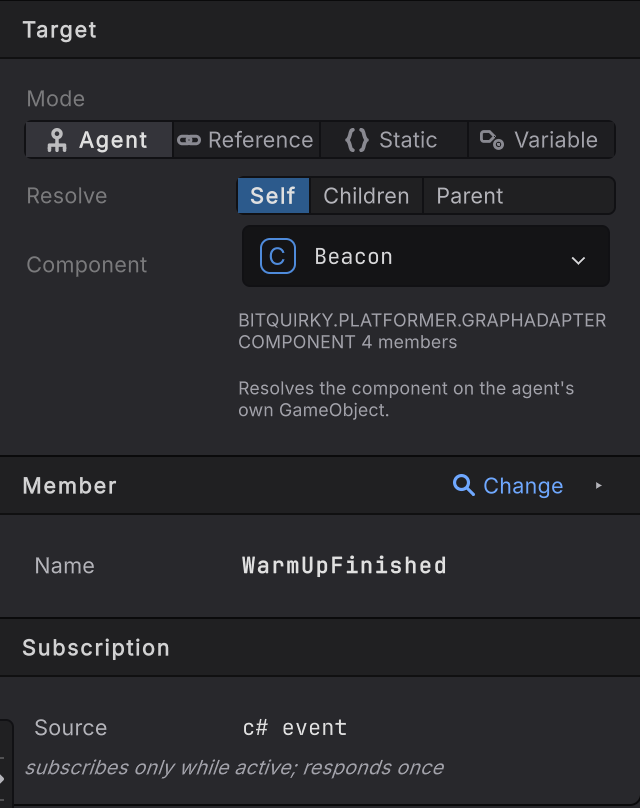
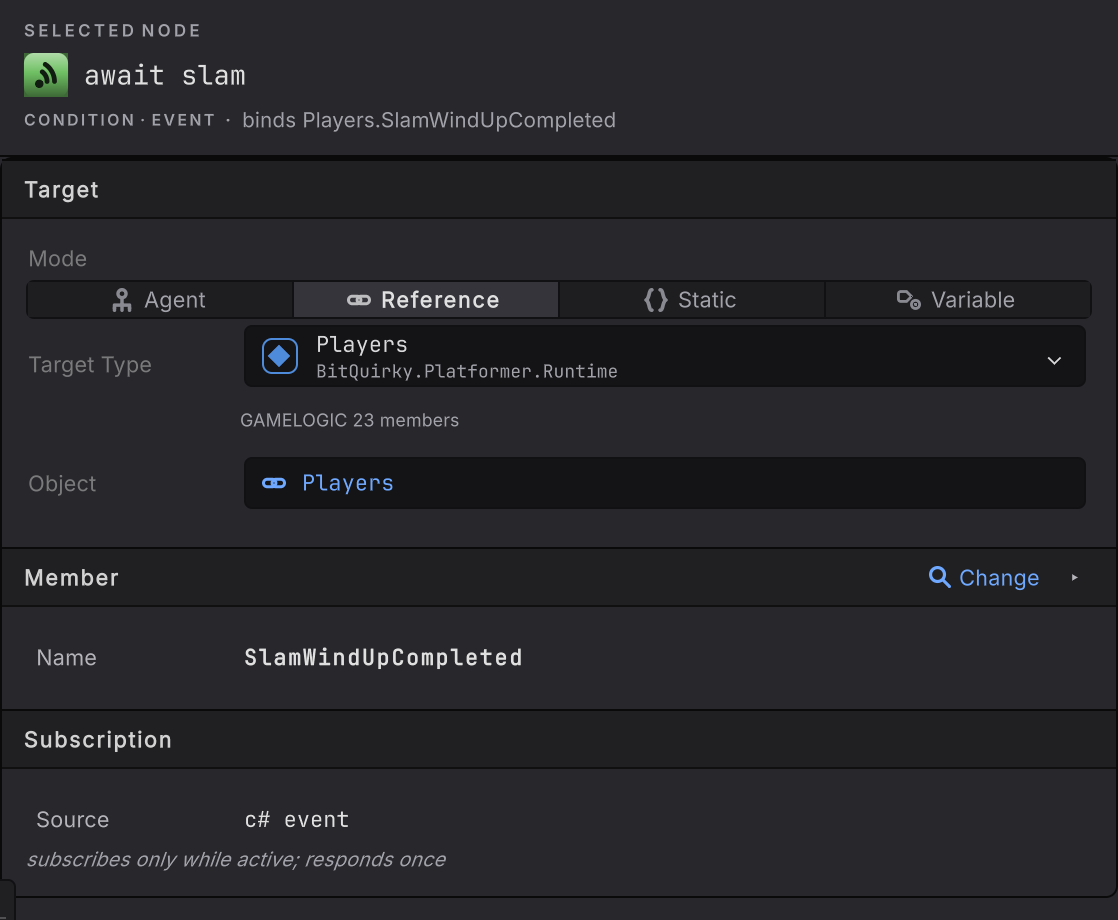
For an event condition, read the Subscription card. Source says c# event, and the note under it states the contract: it subscribes only while active and responds once.
-
When the game cannot promise the event will ever fire, wrap the node in Time Limit.
How it decides
Section titled “How it decides”Result
- Success
- The comparison mapped to succeeded, or the event fired and its authored outcome was succeeded.
- Failure
- The comparison mapped to failed, or the event condition's authored outcome was failed.
- Running
- An outcome maps to running, so the member is read again next evaluation, or the event has not fired yet.
Member condition
- Any of the seven outcomes is selectable for either branch: succeeded, failed, running, interrupted, blocked, timeout, authority. A mapping whose every possible outcome is running is refused, because it can never finish.
- Value types compare with
<,≤,=,≠,≥,>. Reference types useisandis not, and accept the empty reference as the compared value. - A struct compares with its own
==operator when it declares one, and otherwise through the default equality comparer for that type. - A method-backed condition invokes once per evaluation, including when it has outputs, and maps the value it got back without calling a second time.
- A
voidmethod withrefparameters is a legal member condition. The Tested value row names therefparameter to compare, and the condition reads it, calls once, writes it back, then compares the value after the call. Avoidmethod with norefparameter returns nothing to test, and the picker rules it out. Racing Line’s surge check works this way; arguments and results shows its card. - An invocation or target failure is a fault, deliberately distinct from a comparison that came out false.
- A member condition takes part in reactive interruption when the Selector above it is set to Lower priority. The opt-in is on that Selector, not on this node. See interrupt.
Event condition
- The subscription belongs to one activation. Starting the node subscribes; completing, interruption, timeout, reset, target loss, or leaving the state removes the subscription.
- Each activation carries a generation stamp. A firing recorded against an older generation is ignored, so an event raised before a reset cannot complete the activation that came after it.
- It responds once. A second firing during the same activation has nothing to complete, and the node is done.
- Firings are drained before the core tick, so the node that was waiting completes in the next update rather than mid-walk.
- On the entity path this node observes an enableable component’s state or one retained event-buffer entry instead of a managed event, and its card offers When it fires with Until then locked to running. Entity bindings covers it.
- An event nobody raises is an indefinite wait. That is honest behavior, and Time Limit is how you bound it.
When it goes wrong
Section titled “When it goes wrong”When it goes wrong
| Symptom | Check | Fix |
|---|---|---|
| The event never completes the node. | Log the event once in your component to confirm the game raises it. | Raise it, or bound the wait with Time Limit so the branch can move on. |
| The event fires but the node stays Running. | Confirm the firing belongs to the current activation, not one from before a reset or an interrupt. | Nothing to repair. A stale firing is ignored on purpose; the new activation gets the next one. |
| The condition is true in the Inspector and false in the graph. | Read the compared value and the operator; a Blackboard operand may be stale or unset. | Compare against the value you meant, and confirm the variable is written before this node runs. |
| The branch loops forever. | An outcome maps to running, which polls. | Map it to failed, or let the branch above it decide when to stop. |
| Your event is missing from the picker. | Open the events group and confirm the event is public. | Make it public, or expose a public wrapper event the graph can see. |
| You need the event payload. | An event condition observes the occurrence, and arguments stay with your event. | Store the payload in your component and read it with a property binding. |
- Your first binding: build the beacon graph, gate and event included.
- Waiting and cancellation: what cancels a subscription, and when.
- Condition reference: the field list for both kinds.